Connecting to Your EHR
The sample patients are enough to get started, but you can also pull real FHIR data from your own health records. You will do this through the Medblocks platform.
The Medblocks platform integrates with most popular EHRs. If you’ve ever received care in the US, there’s an 80% chance your provider is on our list.
How to connect your records
Create a new patient profile on the platform using your name and email. Then select the provider you received care from.
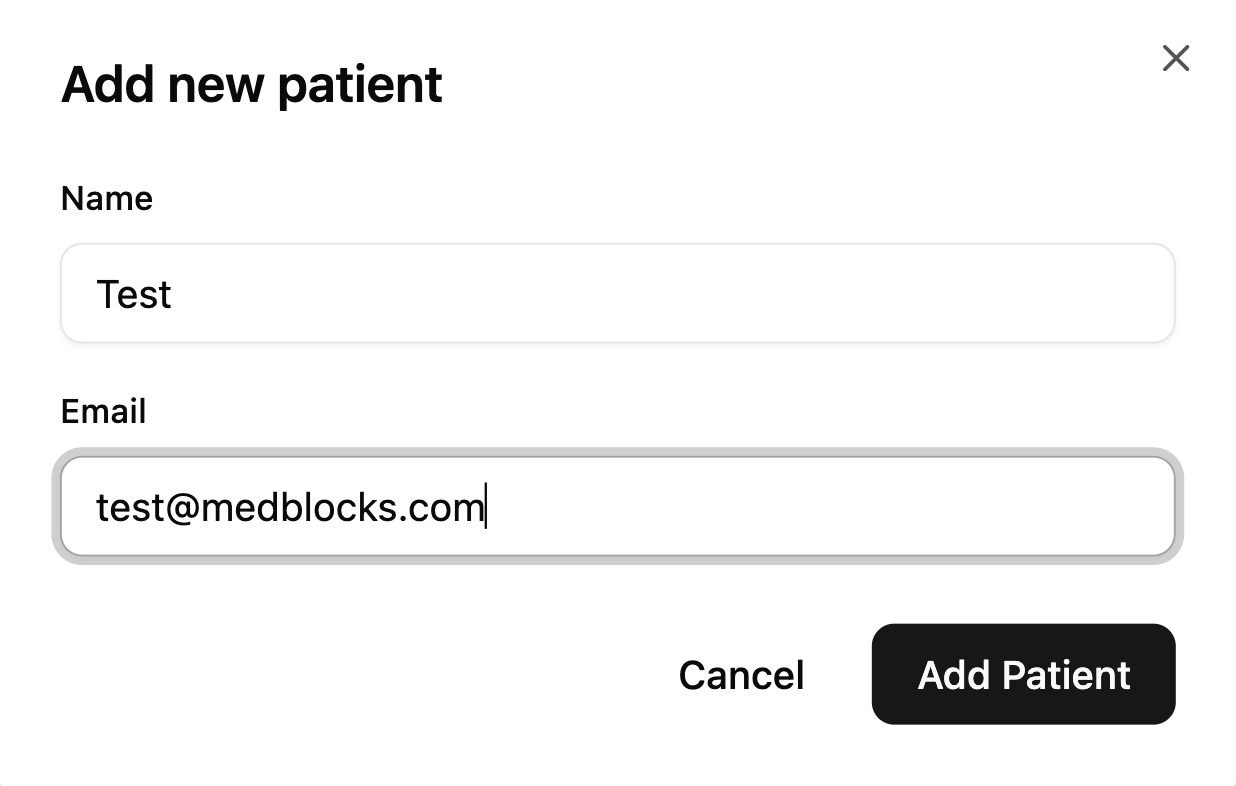
Once you’ve added the patient, click it, and scroll down to the ‘Onboarding Link’ section to generate a magic link.
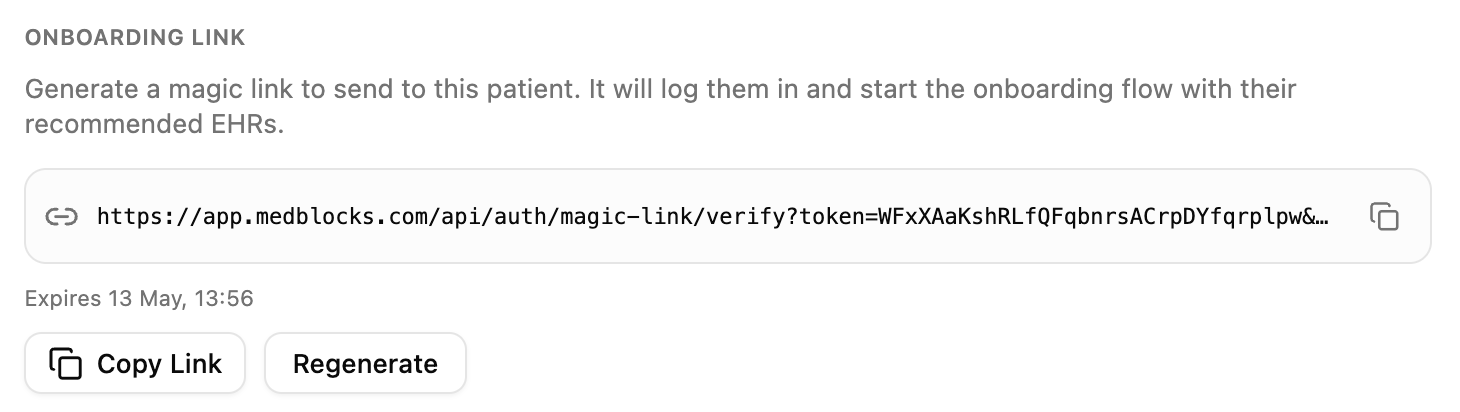
You can open the link in a new tab to select and log in to your EHR portals.
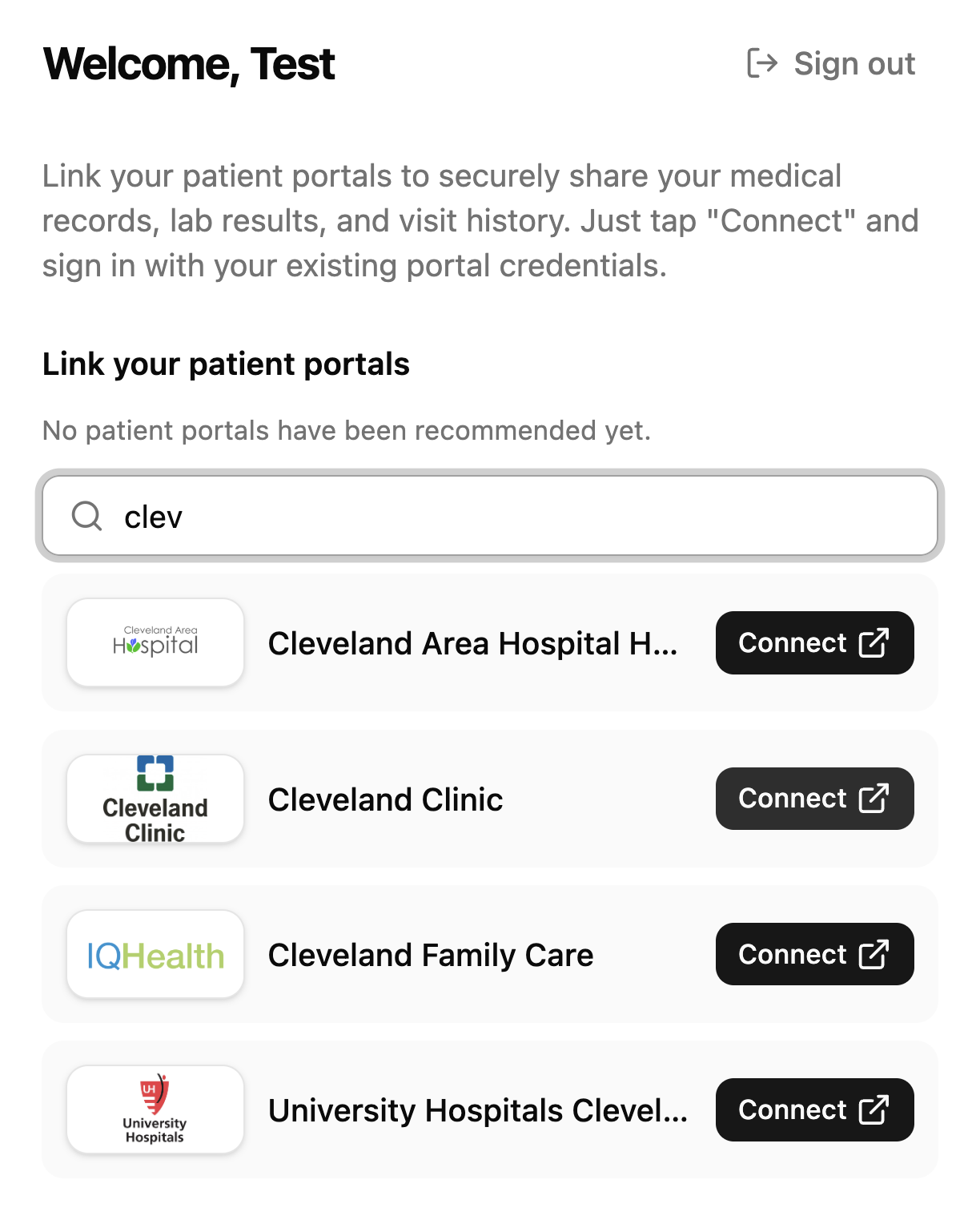
This is the same flow a patient would go through to link your app to their patient portal.
Next, select your provider and log in with your credentials. You will need to complete a two-factor authentication. Finally, select what data to share, for how long, and click ‘Allow access’.
Once connected, your records will sync to the platform and be pushed to your FHIR server. You may see some failed resources, that’s normal. Most hospitals don’t share every resource type, so a few failures out of a large pull is nothing to worry about.
Deleting your records
We automatically delete all personal data 3 days after the challenge ends, so you don’t need to worry about it. If you’d like to remove your records sooner, you can delete the patient from the platform.
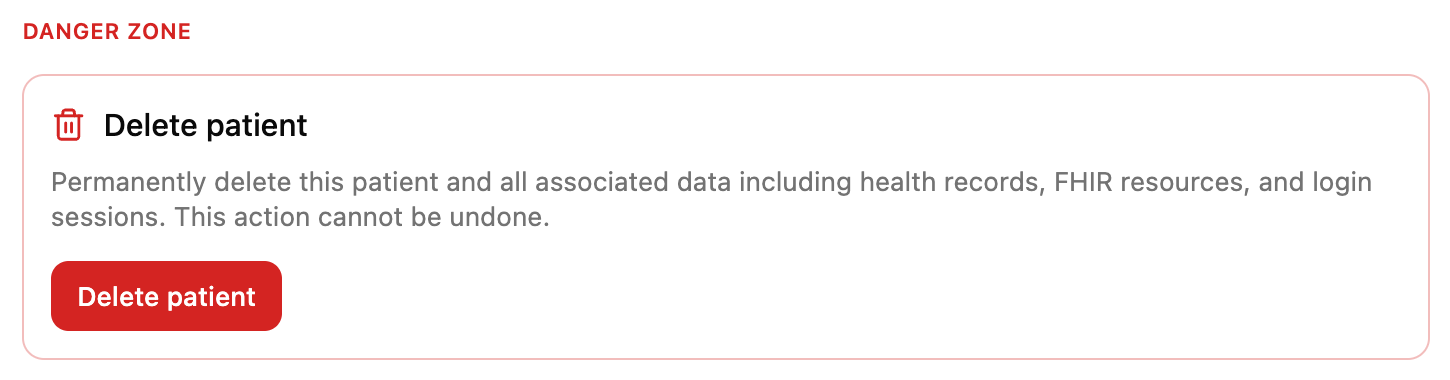
This is optional
You don’t need to connect to a real EHR to complete the challenge. This is available if you want to see what real-world FHIR data looks like from a system like Epic or Cerner.
In the next lesson, we’ll start building the app.