
Background pull
Why records arrive after the patient connects, and what your app should show while they do.
A patient connecting in your app and their records being ready are two different moments. Approving access takes seconds. Pulling the actual records takes longer, and Medblocks does it in the background after the patient has already moved on in your app.
This shapes how you build the connected experience. Wait for the data before showing anything and the patient stares at a spinner. Treat the connection as done the moment it goes active and your app stays responsive while the records fill in behind it.
Why it is not instant
A patient’s history can be large. Years of visits, lab results, medications, and notes, sometimes spread across several hospitals. Once a connection goes active, Medblocks works through the records that source holds and keeps the access fresh (see Authorization) so it can keep going. A first pull can land in seconds, or take longer for a deep history.
What your app should do
Treat a connection going active as your “connected” signal, not the arrival of data. Show the patient they are connected, let them keep moving, and bring records in as they land.
You have two ways to know records have landed.
- Subscribe to the
records.sync.completedwebhook. Medblocks tells your server the moment a pull settles, so you are not guessing. Use this in production. - Read the patient’s data when you need it, accepting that early on it may still be filling in.
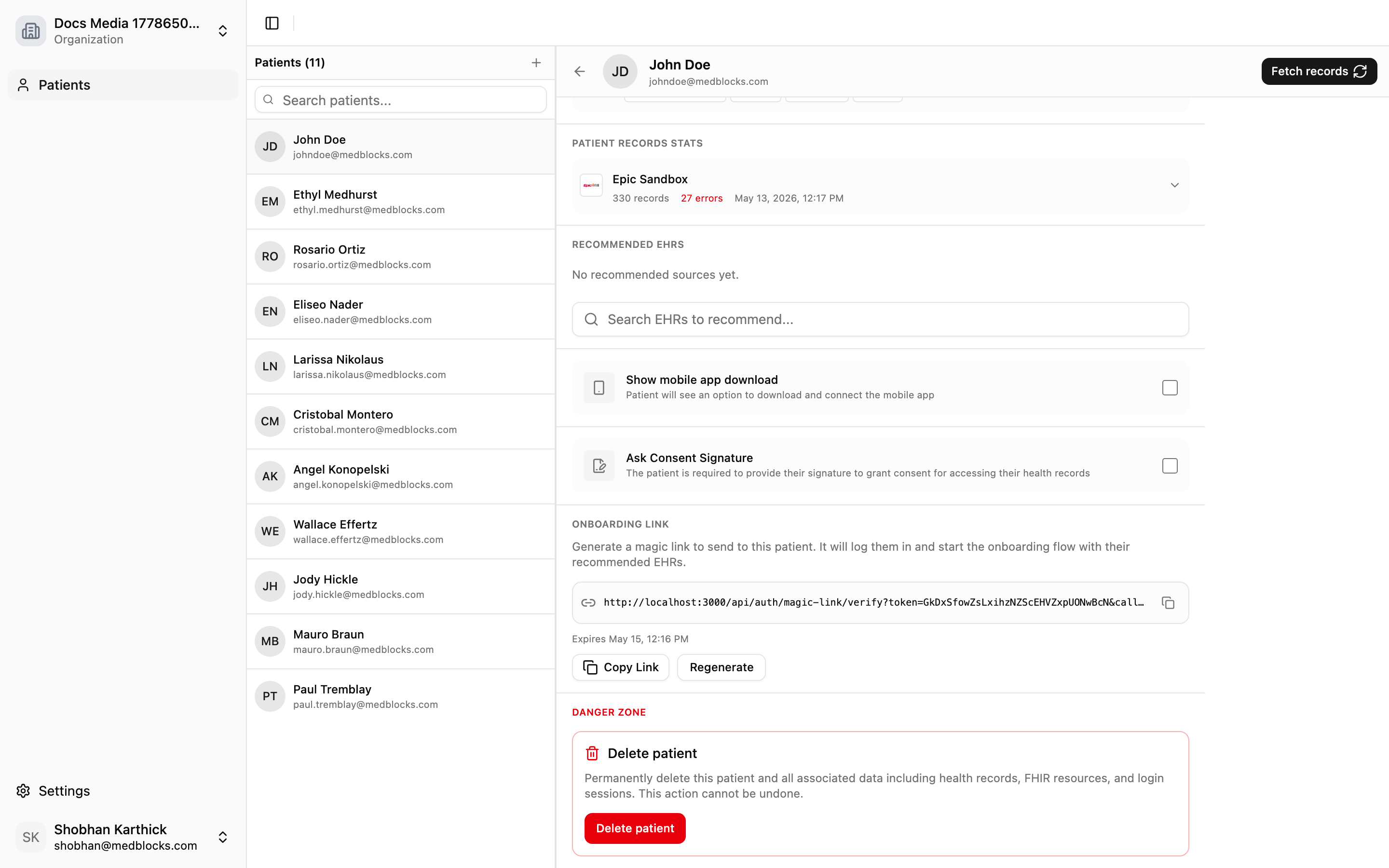
It keeps running
The pull is not a one-time import. Medblocks re-pulls so the record stays current as new data appears at the source, for as long as the access holds. When the access finally lapses, the connection becomes refresh_failed, and the patient reconnects to resume.
See also
Need help?
Running into an issue? Get support from our team and we will get back to you.
How is this guide?