Start Here: The Epic Integration Course
If you’re here, you’re probably trying to integrate your app with Epic. You’ve likely already opened Epic’s documentation. And if you have, you know it isn’t easy going. It’s dense, it’s spread across a dozen pages, and it has a way of leaving you more confused than when you started.
The hard part usually isn’t any single piece. It’s putting all the pieces together in the right order. That’s the gap this course fills.
Think of this as the missing manual for Epic integration. By the end, you’ll know exactly how you’d integrate with Epic on whichever path fits what you’re building, and what it takes to actually ship it.
At Medblocks, we help companies integrate with Epic and other health systems, and we built this course to walk you through the whole process. Dr. Sidharth Ramesh, Founder & CEO of Medblocks, will lead you through the video tutorials.
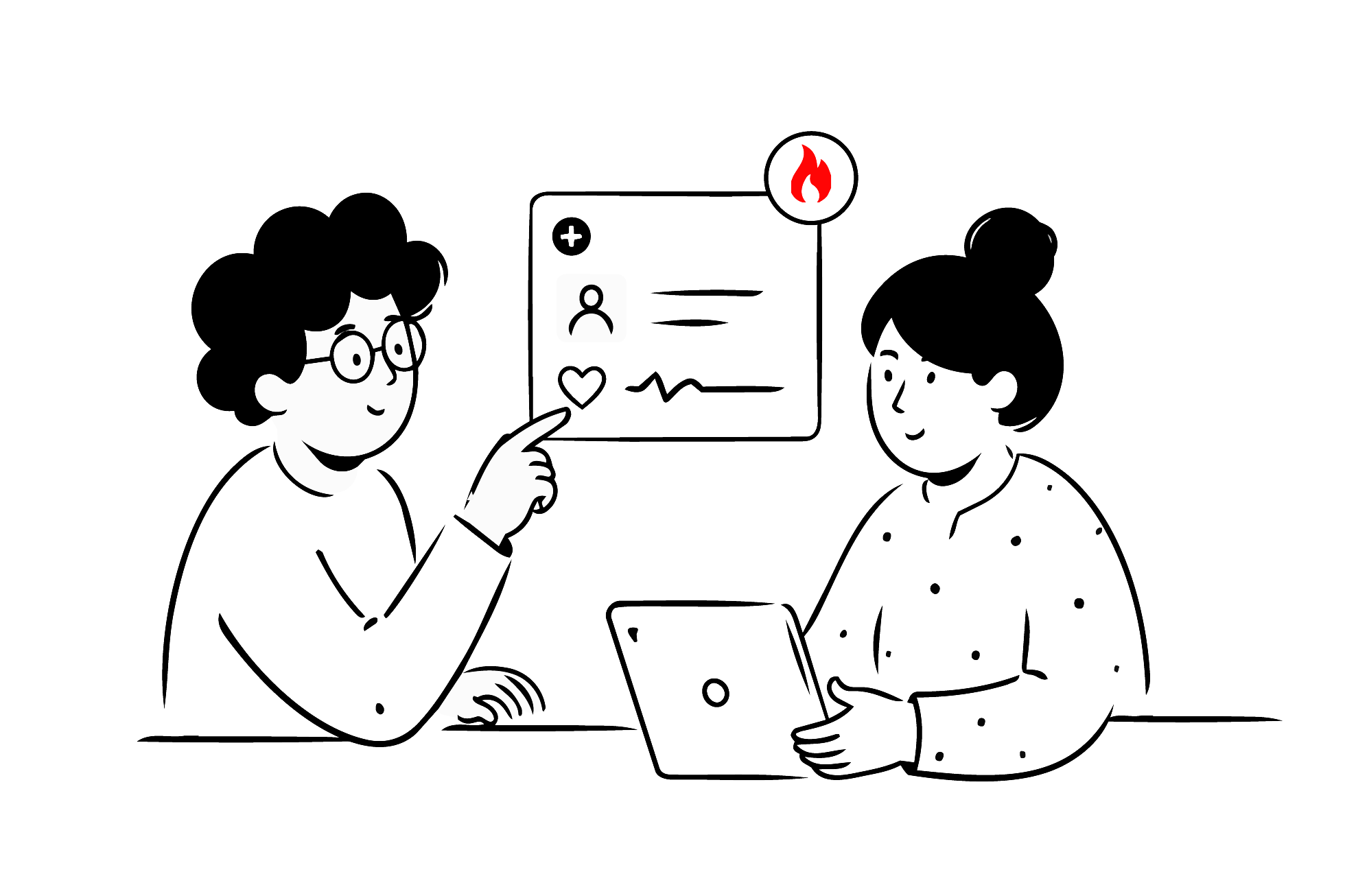
Build your first real FHIR app in 15 days
500+ builders have done it. Live kick-off, structured modules, Demo Day. $27.
Join the challengeWhat you will be able to do
By the end, this won’t be theory. You’ll have registered an app, logged a patient in, taken their consent, and pulled their record out of Epic yourself.
You’ll also know the part no one warns you about upfront: what it costs, how long it takes, and where it usually gets stuck.
What’s ahead
The course is four modules, and each one builds on the last.
-
Module 1-What Epic is and how integration works: The foundation, and no code yet. What Epic actually is, how its world is put together, the ways your app is allowed to talk to it, and what the whole thing costs. This is where the federated model comes in: every hospital runs its own separate copy of Epic, with its own data and its own rules about what gets in. You integrate once, but you go live one hospital at a time. That single line explains most of what feels slow later on.
-
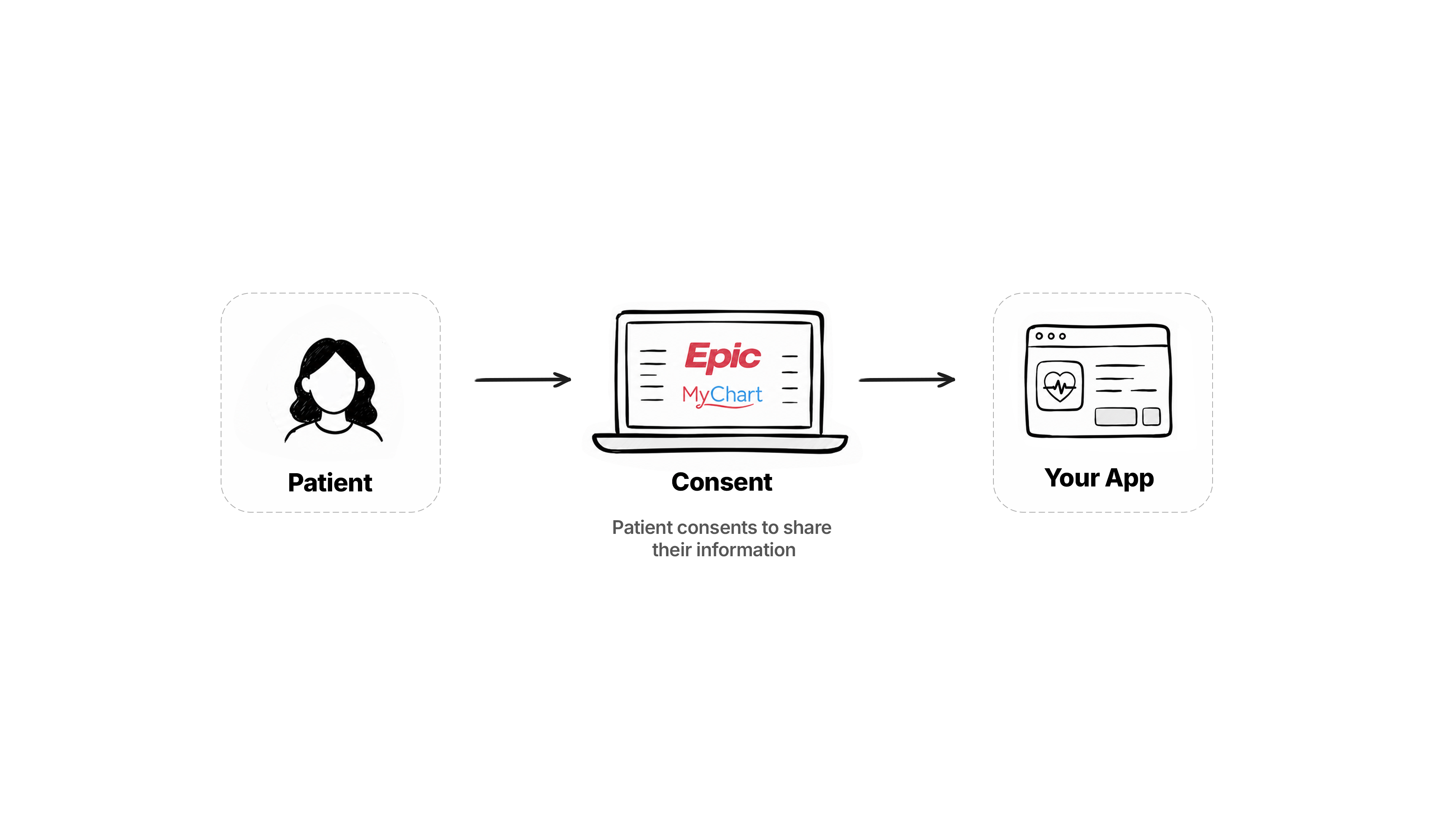
Module 2-Build a patient app. The first thing you build: A patient logs into MyChart, consents to share their record, and your app reads their data. This is the easiest way in, because the patient lets you in directly and no hospital sign-off is needed. You’ll register the app, run the login, get an access token, and pull real data out of the sandbox.
-
Module 3-Build a provider app: Your app running inside Epic while a clinician works, reading from the chart and writing back to it. Here the hospital is the one who lets you in, not the patient, so going live looks different. It’s also where the event-driven patterns live, where Epic calls your app instead of your app pulling from Epic.
-
Module 4-Build a backend integration: Nobody logs in at all. Your server talks to Epic’s server directly, on a schedule or on demand, for work like moving data across a whole population of patients. It’s also where you’ll meet the older HL7 world that’s still running in plenty of hospitals.
Standard FHIR access across all of this is free. The real cost is time, and you pay it again for each hospital you go live with. We’ll be specific about the fees that exist and the ones that don’t.
How the course works
Each lesson is a short video plus a written article, like this one. The video walks through the idea. The article is where the links, code, and references live, the stuff you’ll want open in another tab while you build.
Below every lesson you’ll find comments. That’s the place to ask a question or flag something that didn’t land.
Introduce yourself
Use the comments on this lesson to say hello. Who you are, where you’re from, what you’re building, and what brought you to Epic. It’s a good way for other people doing this work to find each other.
We also run a free Slack community where you can ask questions and talk to other people doing this work.
That’s it. We’re glad you’re here.
Up next, we get into why integrating with Epic is worth doing at all, what you should already know before you start, and what to set up before we build.