
Data out
The ways data leaves Medblocks: SDK and API reads, exports, and webhook events.
After records land in Medblocks, you can send them to a destination, react to events, or inspect operational state through the API. The right path depends on whether another system needs the records, your backend needs to know that something changed, or your team needs to check integration state.
Exports
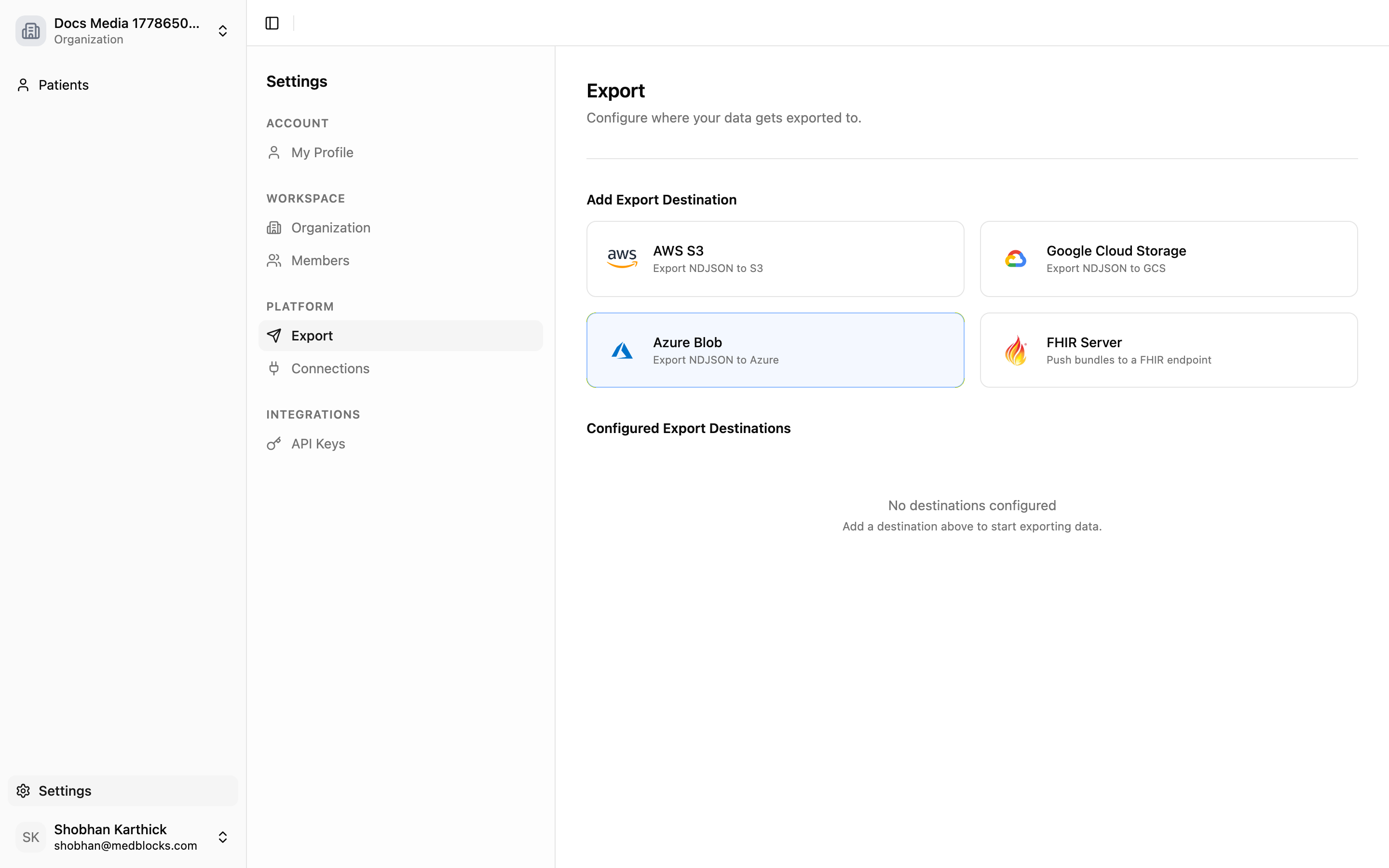
Exports are the shipped path for moving records into downstream systems. You configure a destination in the dashboard, Medblocks tests it, and export jobs deliver records after pulls settle.
Destination types include the following.
| Destination | Use it when |
|---|---|
| FHIR server | Another system should receive FHIR R4 resources. |
| Object storage | A warehouse, lakehouse, or ingestion job reads NDJSON files from S3-compatible storage, GCS, or Azure Blob. |
Export setup is managed from the dashboard today. It is not part of the public REST API.
Background Pull Comes First
A patient session can finish before every record is available. After a connection becomes active, Medblocks schedules retrieval jobs for the resources supported by that source. Those jobs can take time because real portals paginate slowly, return large histories, vary by resource support, and enforce different rate limits.
When the pull settles, enabled destinations can export the data. Treat the patient-facing return as “access was granted” and use Pull monitoring for record availability.
Export destinations and runs
An export destination stores where records should go and how Medblocks should authenticate to that destination.
| Field | Purpose |
|---|---|
| Destination name | Human-readable label in the dashboard. |
| Destination type | FHIR server or object storage. |
| Credentials | Stored server-side and used only by export jobs. |
| Enabled state | Disabled destinations are skipped. |
| Last exported time | Watermark for delta exports. |
Each time Medblocks exports records, it creates an export run. A run records what destination was used, why it started, how many patients and resources were processed, when it started and finished, and any errors that happened.
Triggers
Exports can start from these events.
| Trigger | Behavior |
|---|---|
| Destination added | Runs a first backfill for that destination. |
| Pull completed | Sends new or changed data after patient data has landed. |
| Destination reactivated | Catches up from the previous watermark. |
| Manual retry | Reprocesses failed items from a failed or partial run. |
Each destination runs independently. One destination can fail without blocking another.
Events
Events tell your backend that something happened. Webhooks are useful when you do not want to poll:
- A patient session completed.
- A background pull finished.
- A background pull failed.
- A connection lost access and needs the patient to reconnect.
Use Webhooks to register a receiver and verify signatures.
API And SDK Reads
The public API and TypeScript SDK handle operational reads such as patients, patient sessions, connections, webhooks, errors, and pagination.
For patient records, call mb.patients.records. Medblocks returns the patient’s latest stored resources as a paginated list, and each item names the EHR source it came from. The SDK calls GET /patients/{id}/records under the hood.
import { Medblocks } from "medblocks";

const mb = new Medblocks(process.env.MEDBLOCKS_API_KEY!);
const page = await mb.patients.records("user_42", { count: 100 });
Use direct reads when your backend needs one patient’s current record on demand. Use exports when Medblocks should keep a destination current automatically.
Choosing A Path
| Need | Use |
|---|---|
| Keep another system current | Exports |
| Trigger work when records arrive | Webhooks |
| Inspect integration state | API or SDK |
| Pull a patient’s records on demand | mb.patients.records |
See also
Need help?
Running into an issue? Get support from our team and we will get back to you.
How is this guide?