
Export to S3
Write records to object storage for a warehouse, lakehouse, or batch ingestion.
S3 export writes files to object storage for a warehouse, lakehouse, or downstream batch ingestion. Use it when your data platform already ingests bucket files. S3-compatible storage targets are supported.
This is a dashboard-managed export. Create it once for the workspace, then Medblocks runs a first backfill and later delta exports when new pulls finish.
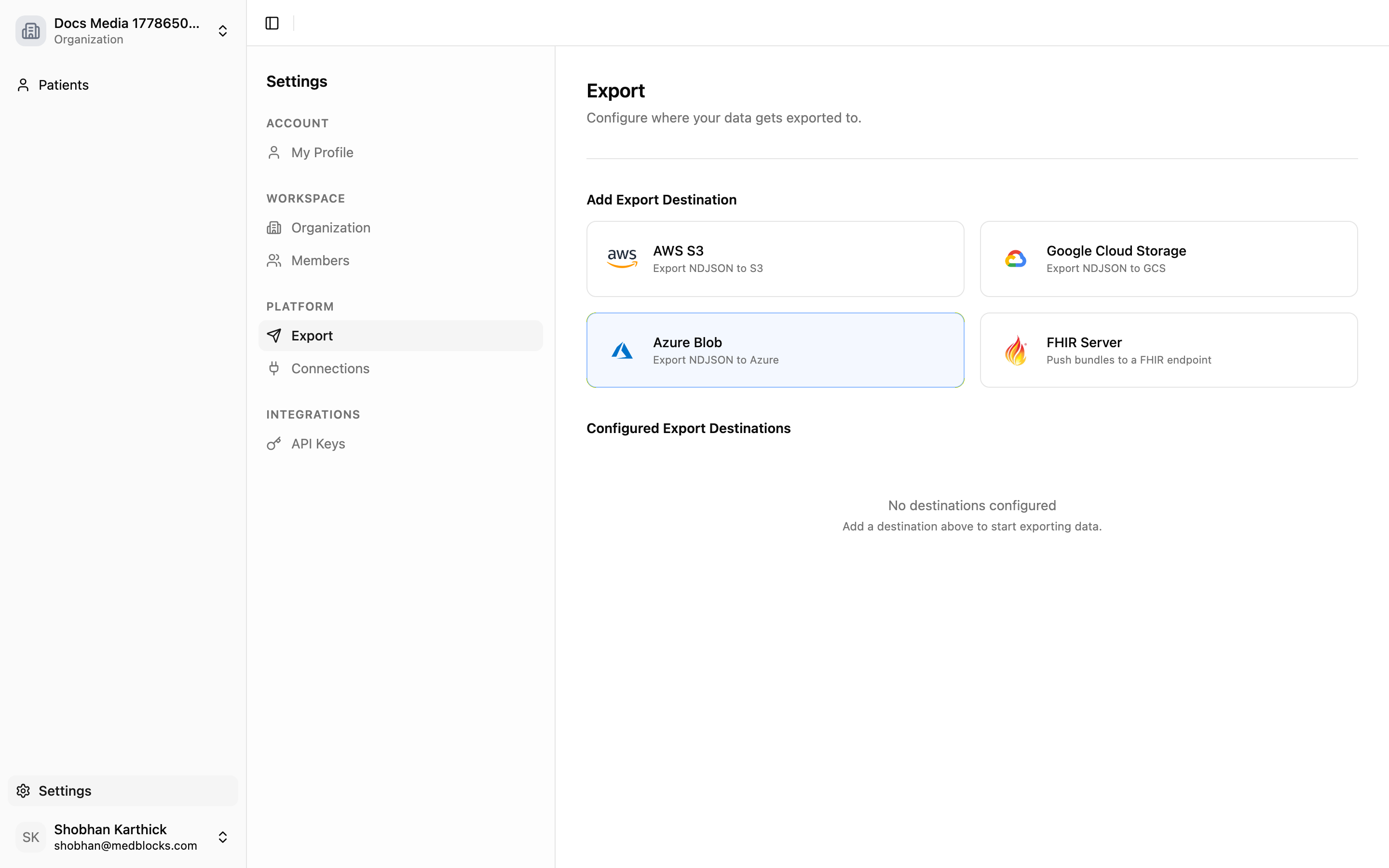
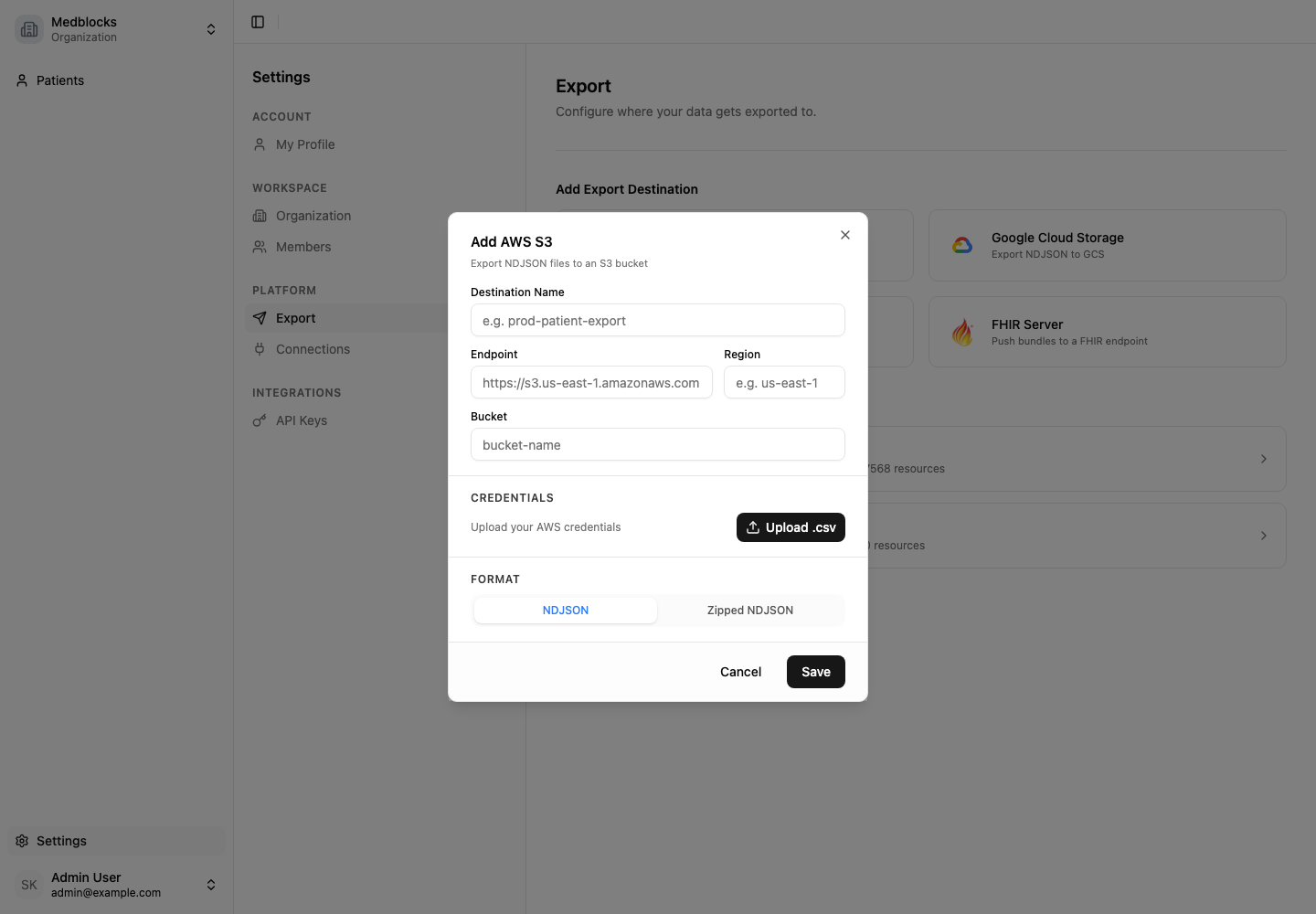
Enter bucket settings
The destination needs these fields.
| Field | Purpose |
|---|---|
| Name | Label shown in the dashboard. |
| Cloud vendor | AWS or an S3-compatible provider. |
| Endpoint | Storage endpoint, required for S3-compatible targets. |
| Region | Bucket region. |
| Bucket | Destination bucket name. |
| Access key ID and secret | Credentials used by export jobs. |
| File type | NDJSON or zipped NDJSON. |
Medblocks tests bucket connectivity before saving. If the test fails, check bucket policy, credentials, endpoint, and region.
Choose a file format
NDJSON stores one FHIR resource JSON object per line, so downstream systems can stream files without parsing one large JSON array.
{"resourceType":"Patient","id":"example-patient","identifier":[{"system":"urn:medblocks:patient-id","value":"patient_123"}]}
{"resourceType":"Observation","id":"example-observation","status":"final"}
Backfill and send deltas
Setting up a destination exports existing data first, then later pulls send new data based on watermark tracking. Failed runs can be retried from the dashboard.
Monitor runs
Open the destination detail page for run history and errors.
Match files to your patients
Each file contains one patient’s resources from one connected EHR. The Patient line inside the file carries the patient_id you created the patient with, in its identifier array under the system urn:medblocks:patient-id.
{
  "resourceType": "Patient",
  "id": "example-patient",
  "identifier": [
    { "system": "urn:medblocks:patient-id", "value": "patient_123" }
  ]
}
Read the Patient line first when ingesting a file, take your patient id from the urn:medblocks:patient-id entry, and attach it to every row you load from that file.
Operational notes
- Files are rewritten in full on each run.
- Update credentials after rotating storage access keys.
- Disable a destination to pause delivery without deleting records.
- Retry after fixing permission, authentication, or network issues.
- Keep downstream ingestion idempotent. A retry can write files for work that previously failed partway through.
See also
Need help?
Running into an issue? Get support from our team and we will get back to you.
How is this guide?