Deep Dive into Archetypes with a Clinical Scenario
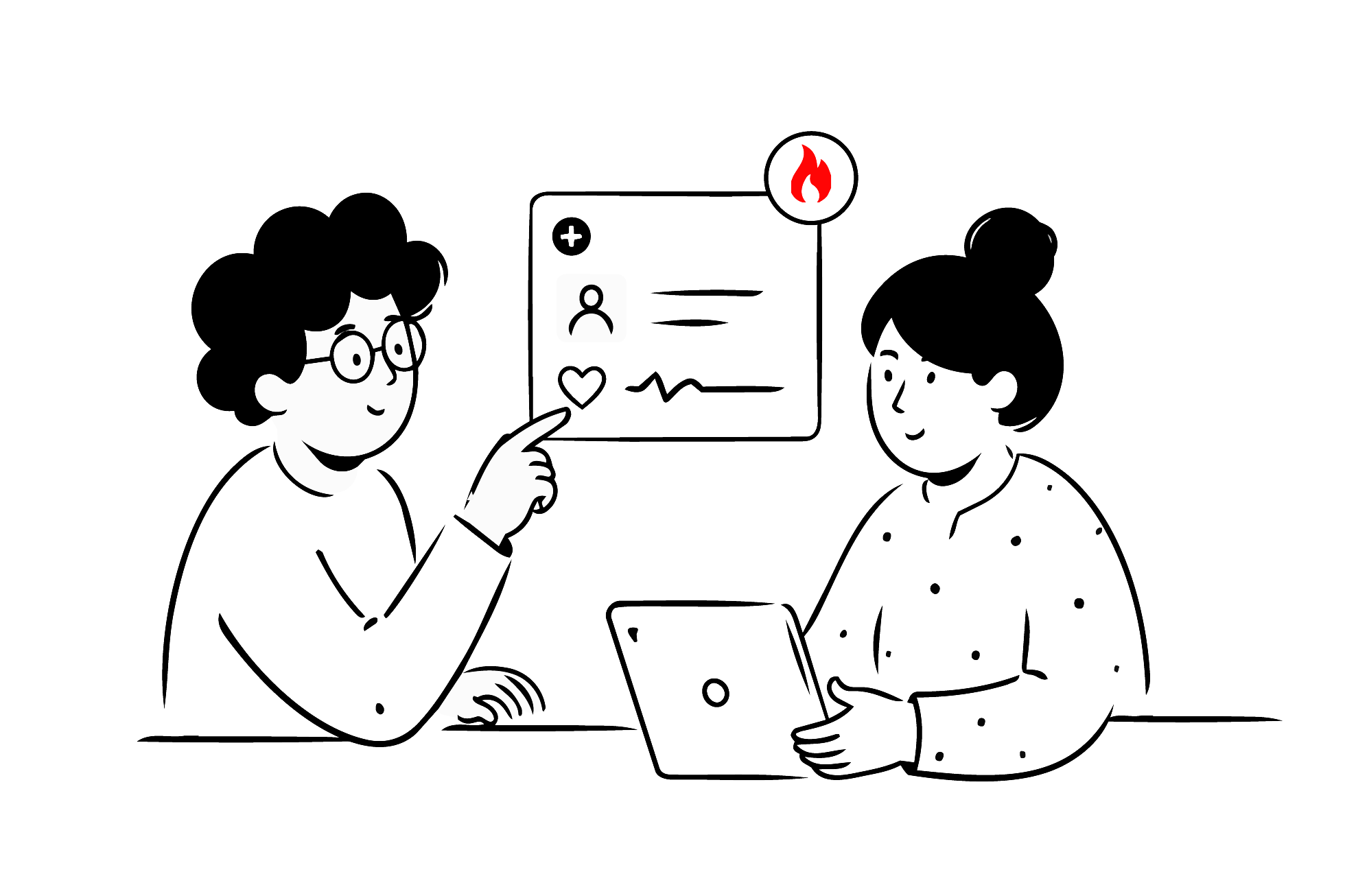
After a doctor asks a patient, “What happened?”, everything that follows is important clinical information. As a clinical standard, openEHR focuses on representing this information. While learning openEHR, it is necessary to understand how to select archetypes that fit a clinical scenario.
In this lesson, we will select archetypes that fit each step of a common real-world workflow, when a patient visits a doctor for the first time.
Understand the clinical scenario
We will be modelling a patient’s initial clinical assessment. This involves capturing:
- the current issue
- patient narrative
- family history
- lifestyle factors like alcohol consumption and smoking history
- vital signs
This information is often a first step towards understanding patient health and potential risks. In this and the following lessons, we will be designing an openEHR template to capture this information. In this lesson, we will look at the current issue and the patient narrative.
Build your first real FHIR app in 15 days
500+ builders have done it. Live kick-off, structured modules, Demo Day. $27.
Join the challengeSet up Archetype Designer
Before we open the CKM or select any archetypes, we need a template to work in.
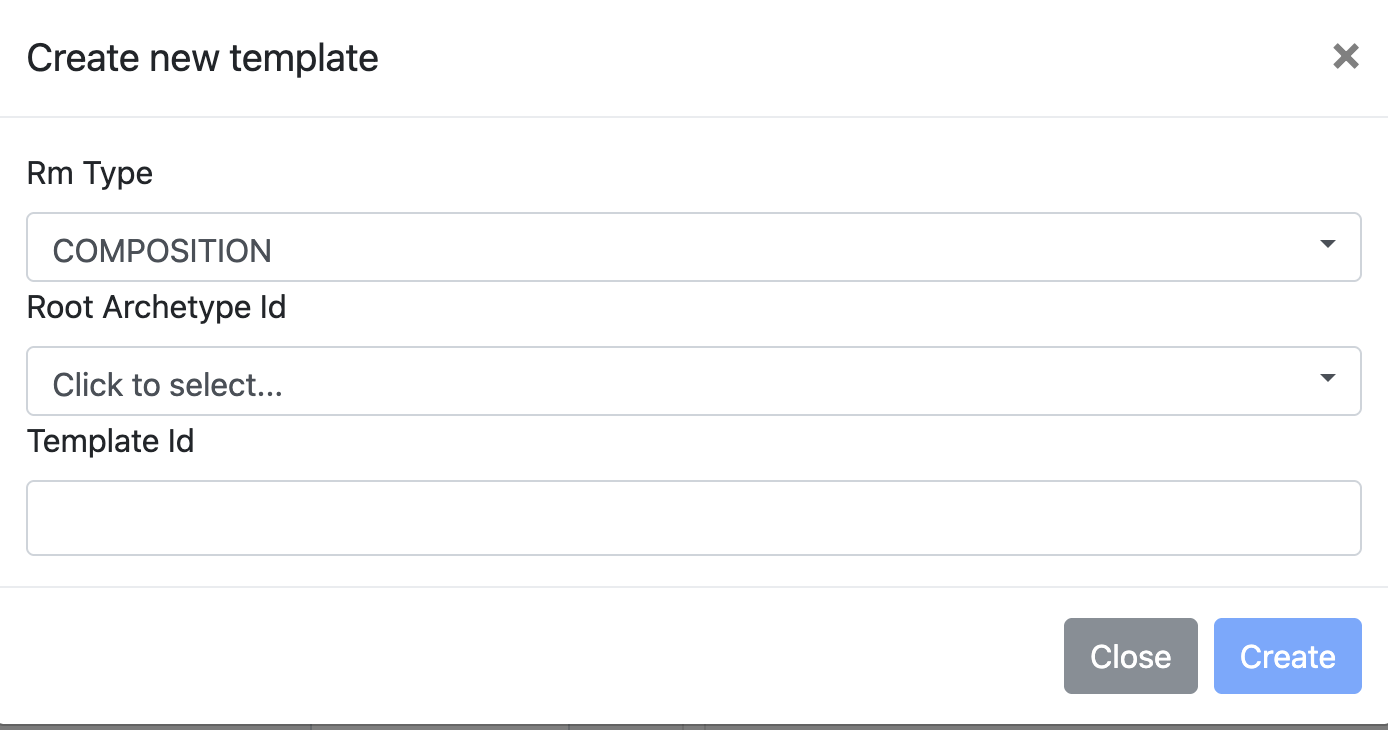
In the Archetype Designer, let’s create a new template. The first question you’re asked is to choose the ‘Root Archetype ID’. This defines what kind of clinical information we are about to record.
What is a root archetype?
The root archetype of a template is usually a COMPOSITION. Every piece of clinical information in openEHR is stored within a COMPOSITION.
A COMPOSITION can be defined as the instance of a template, created when real clinical data is recorded.
Select a COMPOSITION
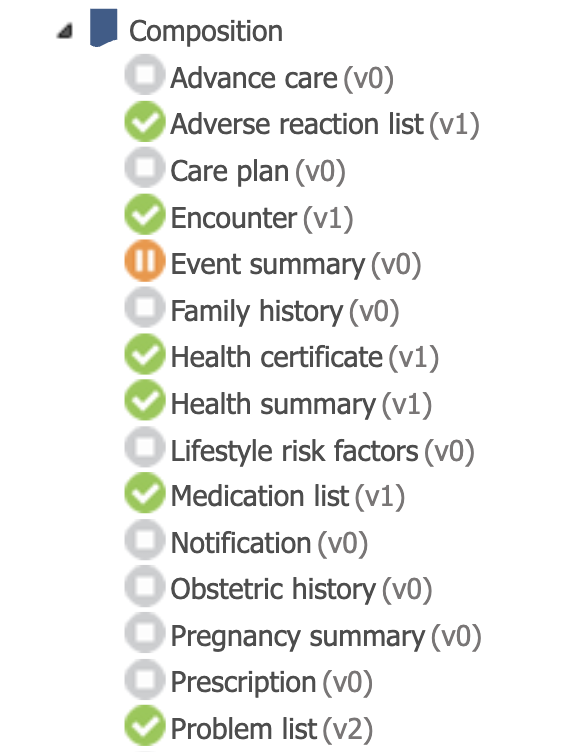
In the Clinical Knowledge Manager (CKM), you will see several COMPOSITION archetypes. Usually, you decide the best-fit based on what kind of clinical document or interaction the template represents.
To choose between them, the most valuable sections are:
- the purpose
- the use
- and especially the misuse
These sections make it clear what an archetype is meant for, and what it should not be used for.
Why does COMPOSITION.encounter.v1 fit this scenario?
Let’s take a look at COMPOSITION.encounter.v1.
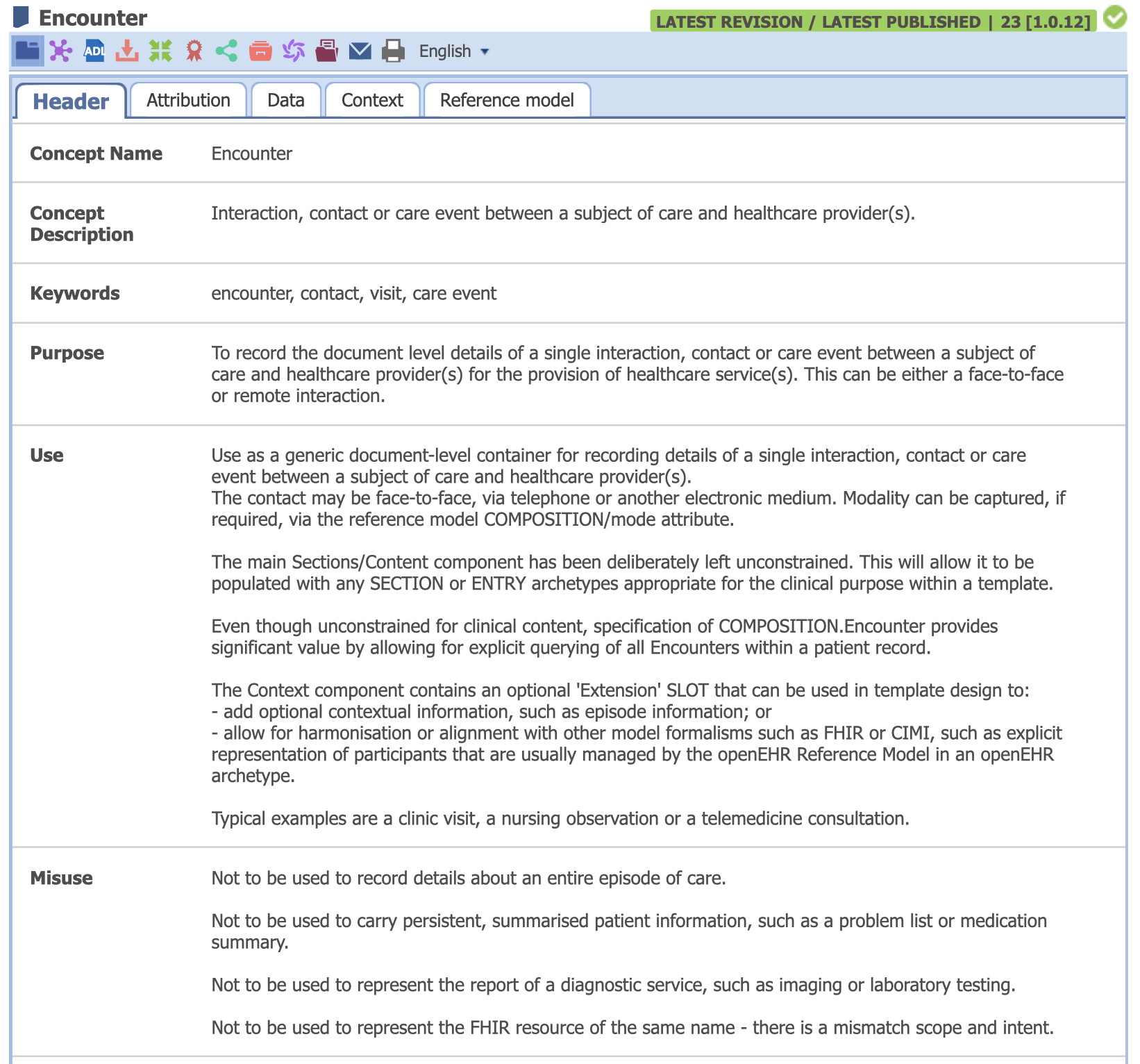
Let’s take a look at the Purpose:
To record the document level details of a single interaction, contact or care event between a subject of care and healthcare provider(s) for the provision of healthcare service(s).
We can see that the encounter archetype is designed to be generic, reusable, and suitable for almost any single interaction between a patient and a provider.
The misuse section also has some good cues to help you select an archetype. It says that:
- it is not for an entire episode of care
- not for persistent or summarized information
- and not for reports of a diagnostic service.
Since our scenario is for one patient, one visit and one conversation, encounter.v1 is the right choice.
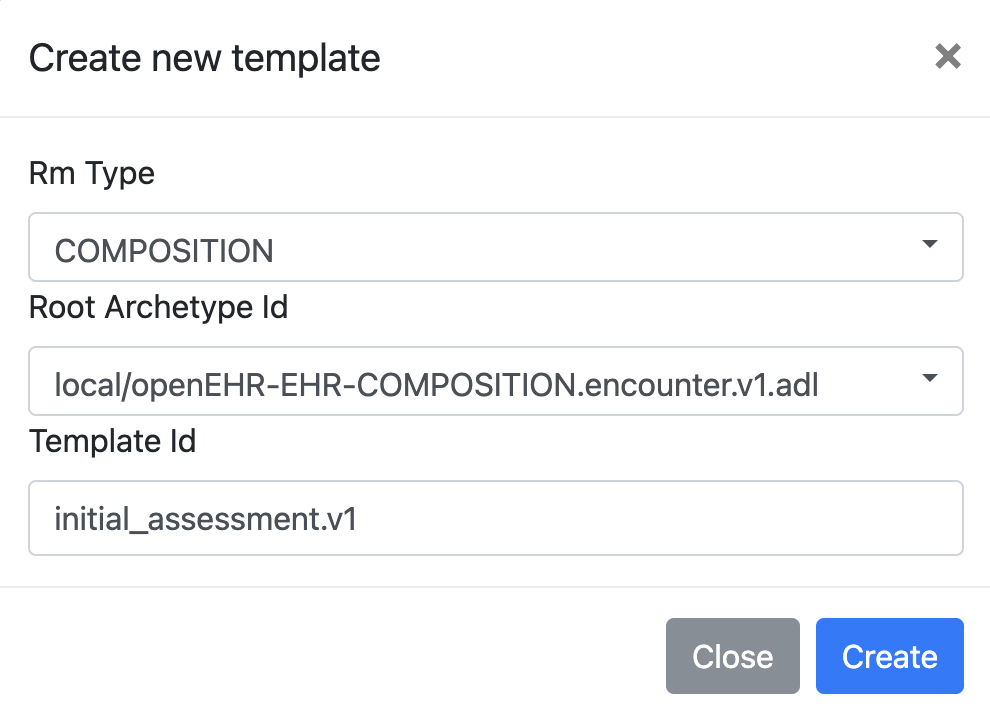
Create a template with Encounter as root
Back in the Archetype Designer:
- Select Encounter v1 as the root archetype
- And name the template something meaningful, like:
initial_assessment.v1
Adding a version to the end of the name is a good practice.
Once a template is created, you will see the:
- Context: for metadata like category, author and setting
- Content: where we will add clinical archetypes
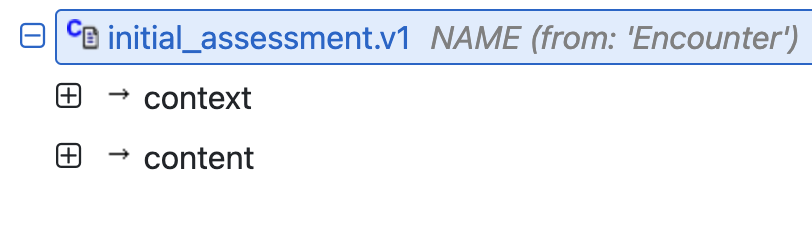
Some reference model attributes don’t show up explicitly in the UI, but they are still part of what data will get stored.
Selecting clinical archetypes
Let’s go back to the clinical scenario. The doctor needs to record information reported by the patient, without interpretation or judgement. This tells us that we’re looking for an OBSERVATION.
In the CKM, there are many archetypes under OBSERVATION. Let’s go with Story/History.v1.
The purpose of Story/History is listed as below:
The subjective clinical history of the subject of care as recorded directly by the subject, or reported to a clinician by the subject or a carer.
This is exactly what we need.
Exploring the Story/History.v1 archetype
When you add Story/History to the template, you will see:
- A Story field for free-text
- A Slot for structured details
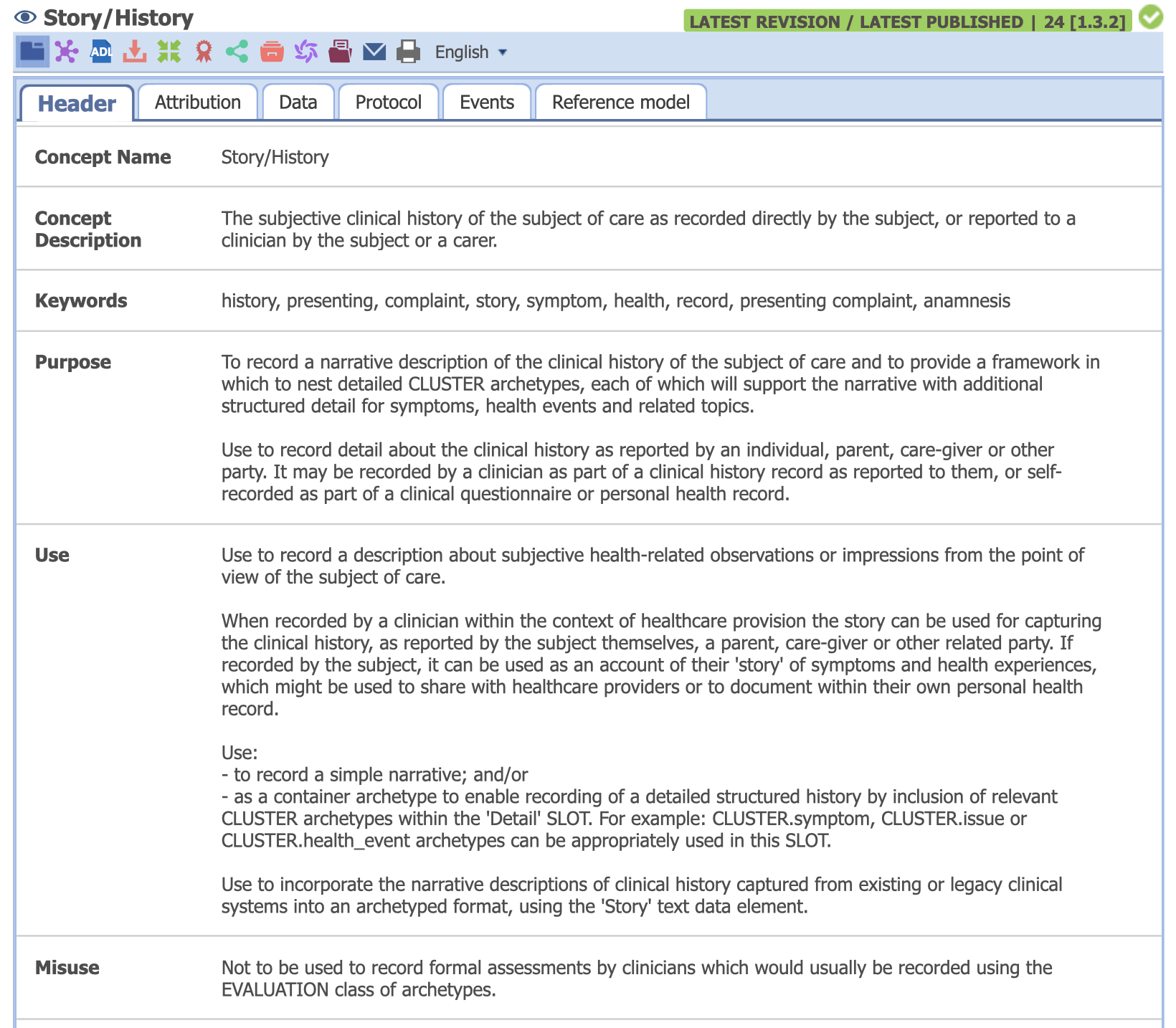
With this clinicians can,
- capture free-flowing conversation
- and capture structured data where it matters
We can add CLUSTER archetypes in the slot to provide structure.
Adding CLUSTER archetypes
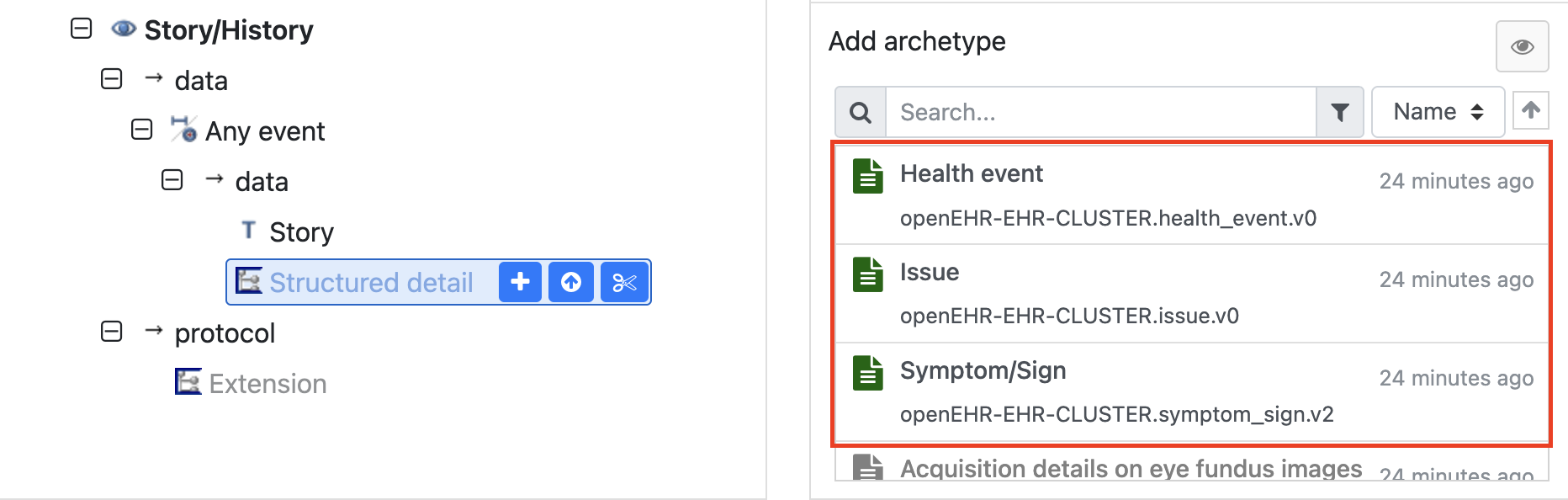
The archetype Story/History recommends a few options that can be added to the slot. This includes:
As a general rule, we prefer mature archetypes, so let’s look at Symptom/Sign.v2
Evaluating the Symptom/Sign.v2 archetype
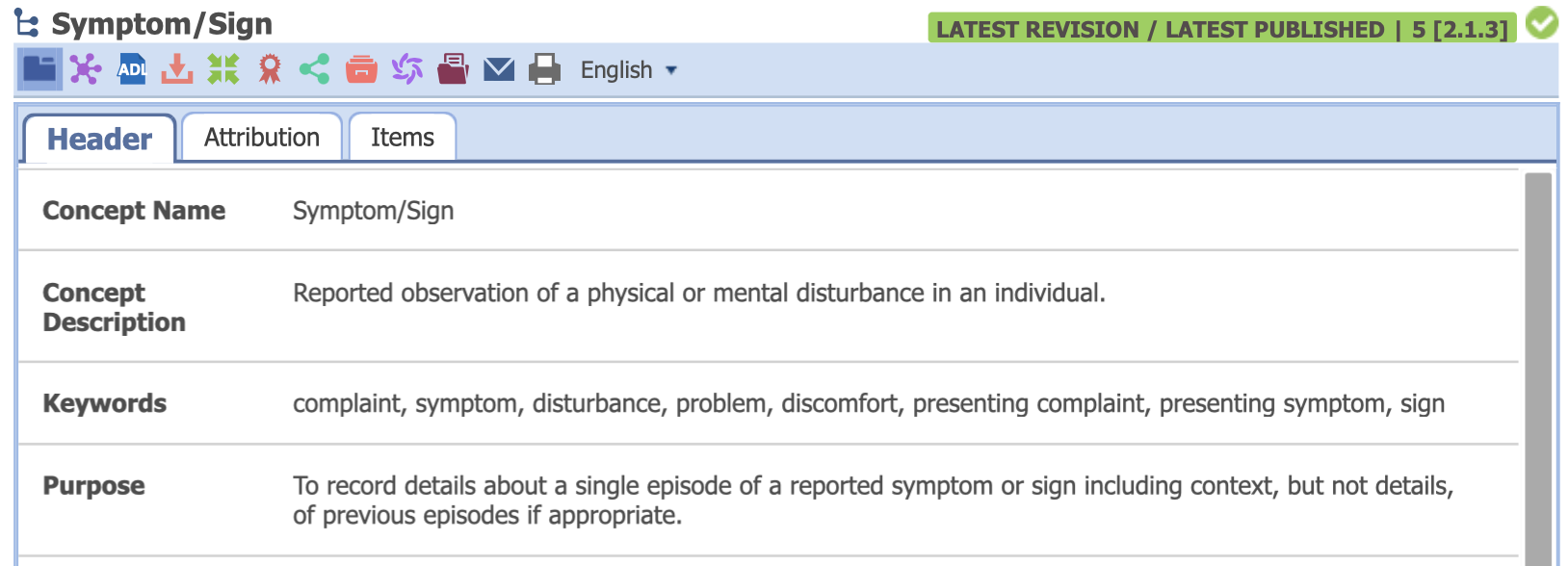
According to the concept description and purpose, this archetype is meant to capture
- a reported symptom or sign
- and only details of a single episode.
We can see that it includes fields like Symptom/Sign Name, Body Site, Description and Episodicity, which maps directly to what clinicians call the History of Present Illness or HOPI.
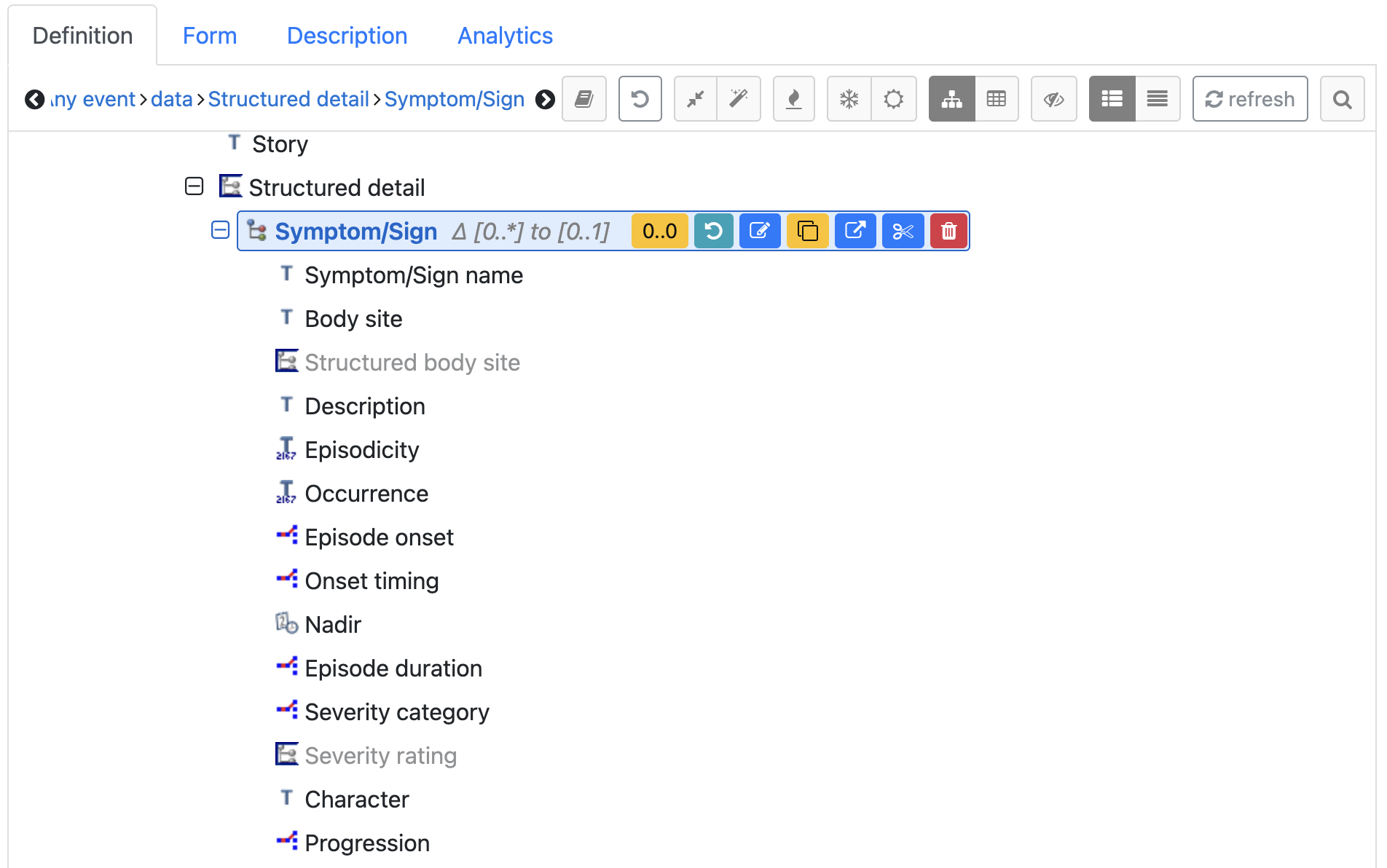
As archetypes are maximal models, Symptom/Sign offers a lot of detail. In our case, it is sufficient to include just Symptom/Sign Name and Body Site. We can always add more structure later as needed.
We’ll expand on this workflow further in the next lesson, adding family history, lifestyle factors and vitals.
Lesson summary
At this point, a doctor can
- enter a free-text story and
- capture structured symptom details.
This is a great starting point for the initial assessment. We have chosen the right COMPOSITION, selected the first OBSERVATION, and added structured detail via a CLUSTER.
With this, we can model the first and most important question, “What happened?”