Set up EHRbase with Docker
In this lesson, we’ll set up EHRbase, an open-source openEHR server, on your local system using Docker.
This will give us a local openEHR server instance we can use to explore the openEHR REST API. In the rest of the module, we’ll interact with it using tools like Postman.
What is EHRbase?
EHRbase is an open-source Clinical Data Repository that acts as a backend for storing and managing clinical data using openEHR.
On the EHRbase website, you’ll see instructions for setting up a EHRbase instance. We’ll use a slightly different approach, because that setup uses a custom PostgreSQL image.
Instead, we’ll use a Docker Compose file from an open-source Medblocks repository. This makes it easier to understand and run locally. It is also closer to the kind of set up you may want when working outside a simple example.

Prerequisites
Before we begin the setup, make sure you have a container runtime installed.
You can use:
It is also helpful to have:
- a terminal
- a code editor such as VSCode or Cursor.
Setup process
We’ll be using two files, docker-compose.yml and init.sql. You can download them or copy their contents into your own folder.
The files are available in this git repository.
The docker-compose.yml file defines the services we need, including PostgreSQL and EHRbase. The init.sql file runs the SQL commands needed for initialization/migration before we start working with EHRbase.
Next, run the below command:
docker compose upThe first time you run this, it may take some time because Docker needs to download the required images.

Build your first real FHIR app in 15 days
500+ builders have done it. Live kick-off, structured modules, Demo Day. $27.
Join the challengeUnderstanding docker-compose.yml
This Docker Compose setup starts:
- a PostgreSQL 16 database
- an EHRbase container connected to that database
Some important details:
- PostgreSQL port
5432is exposed, to access the database if needed - EHRbase is exposed on port
8080 - Data is persisted in Postgres, so you don’t have to start from scratch every time.
The snippet below from docker-compose.yml defines the EHRbase image:
  ehrbase:
    image: ehrbase/ehrbase:2.11.0
Depending on when you’re following this tutorial, there may be a newer version available. You can check for the latest image on Docker Hub.
Take a look at the following section:
    volumes:
      - ./init.sql:/docker-entrypoint-initdb.d/init.sql
      # to persist the data
      - ehrbase_data:/var/lib/postgresql/data
Here, init.sql is mounted so that the script runs automatically when PostgrSQL starts.
Confirm EHRbase is up
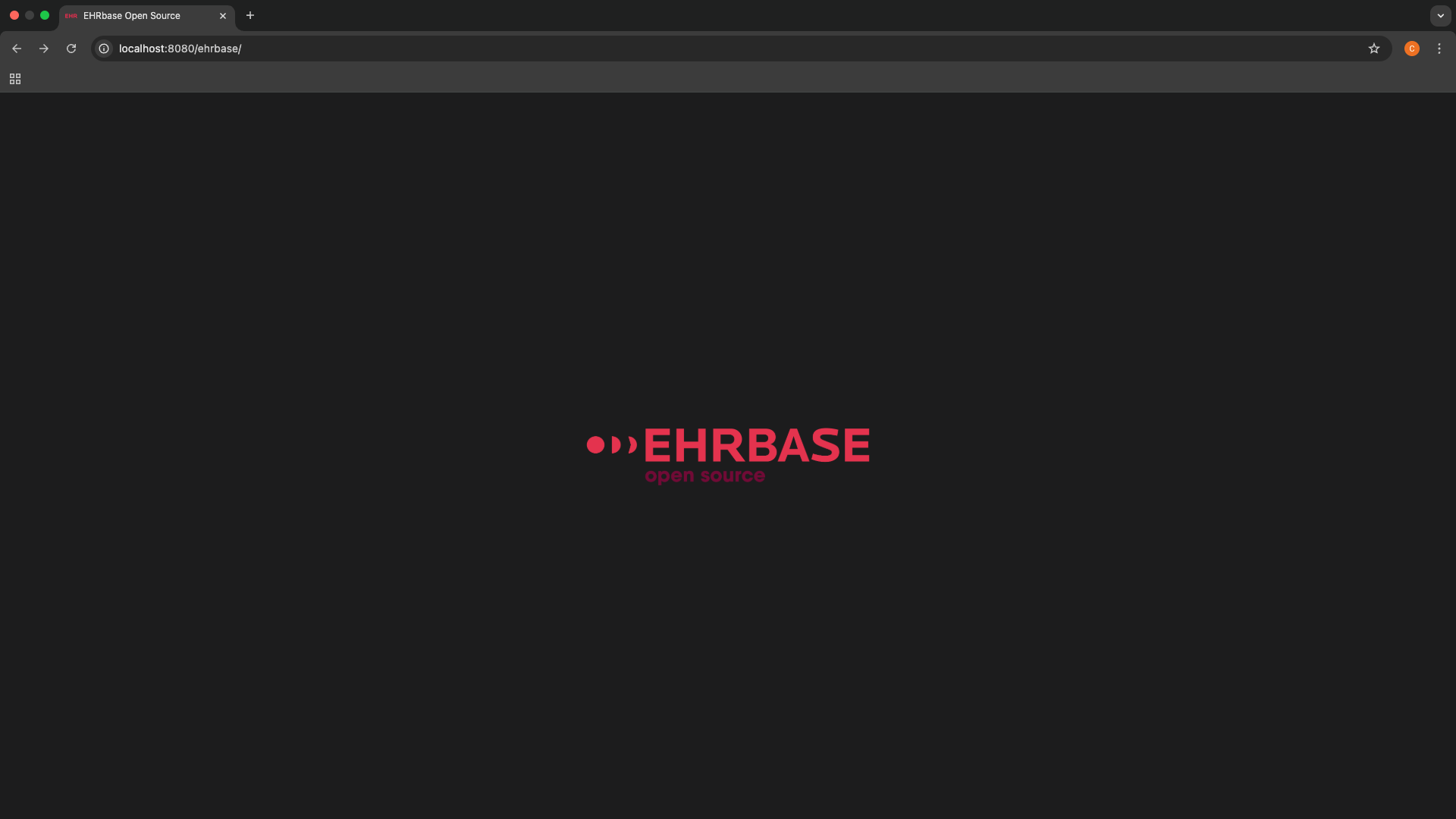
Once the containers are up, open http://localhost:8080/ehrbase. If everything is working correctly, you will see the EHRbase Landing page and logo, as shown below.
You can also open the EHRbase Swagger UI Documentation at http://localhost:8080/ehrbase/swagger-ui.html. There, you’ll see the available endpoints and APIs.
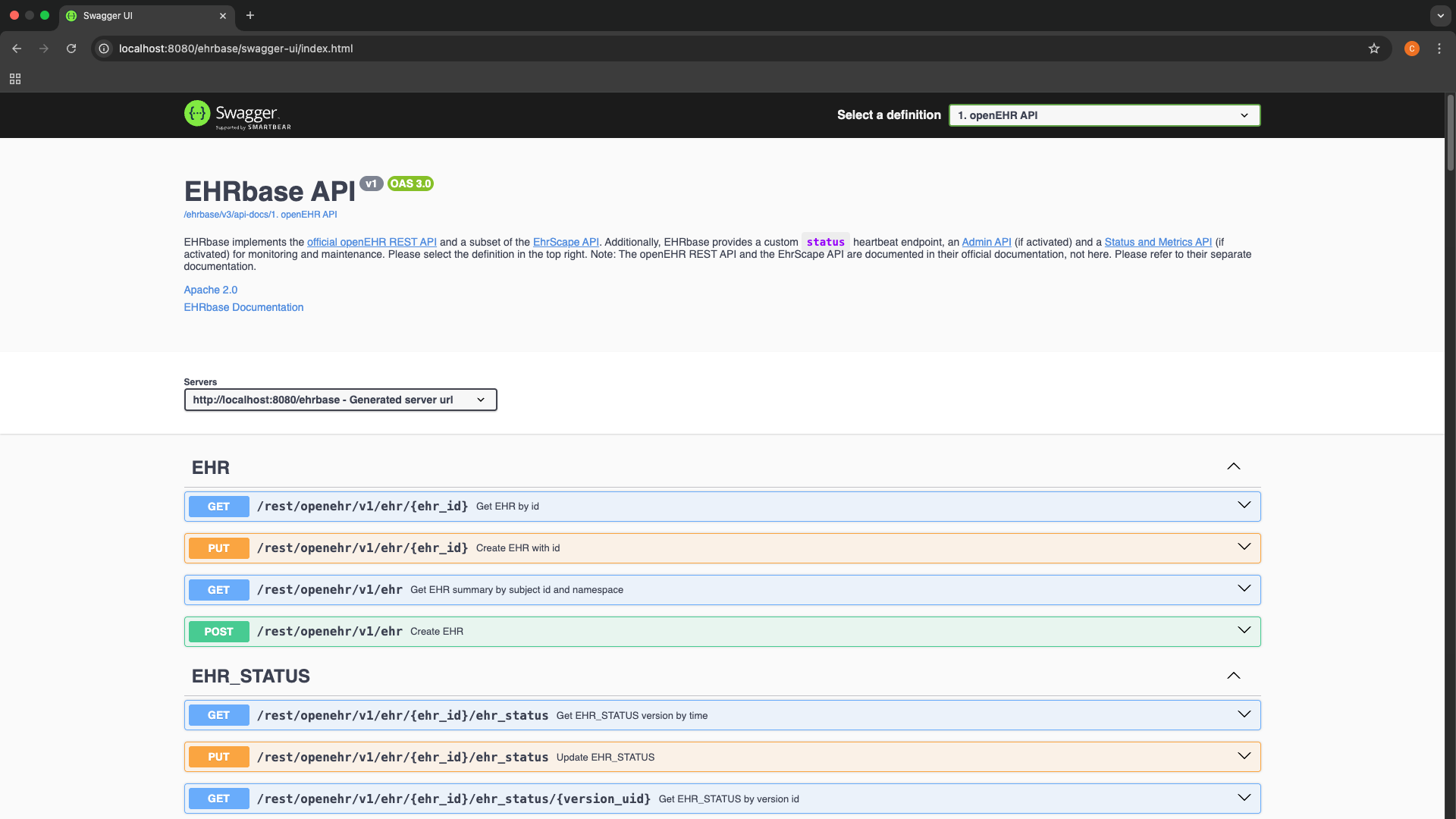
You can try one of the Template API endpoints listed in Swagger UI. Since this is a fresh set up, listing templates, for example, will return an empty list.
At this point, your local EHRbase instance should be running correctly.
What’s next?
Now that we have set up our own openEHR server instance locally with the help of EHRbase, we can move on to the next lesson where we will get started with the openEHR Template API.